Floor plans · 3D rooms · AI renders
Draw the room.
See it in 3D.
Render it real.
Sketch a floor plan in minutes, furnish it from a catalog of real pieces, and turn any view into a photograph. Free to plan.
Free to plan · Pro renders from $5 a month, billed yearly
A room that could only be yours
888 models. Trillions of ways
to make a space your own.
Find your sofa. Try a different rug. Bring in art, lighting and a colour you love. Keep exploring until it feels like home.
- 3D models
- 888
- Floor finishes
- 31
- Paint colours
- 59
Plan with the core collection for free. Pro adds every model, with new pieces as they arrive. Compare plans
How we count the possibilities
Choosing one sofa, chair, coffee table, rug, lamp and artwork, plus one floor finish and paint colour, gives approximately 4.84 trillion possible combinations from the full catalog. That is before changing the layout, adding more pieces or imagining an AI render. These are combinations of choices, not prebuilt room designs.
From plan to picture
One kitchen, two ways to see it
The left side is the room as it sits in the planner. The right side is the same view a minute later, rendered. The handle slides between them.
Three moves, start to finish
Open the planner01Draw the plan Walls to your measurements, doors and windows snapped in. Or start from one of 15 furnished rooms.
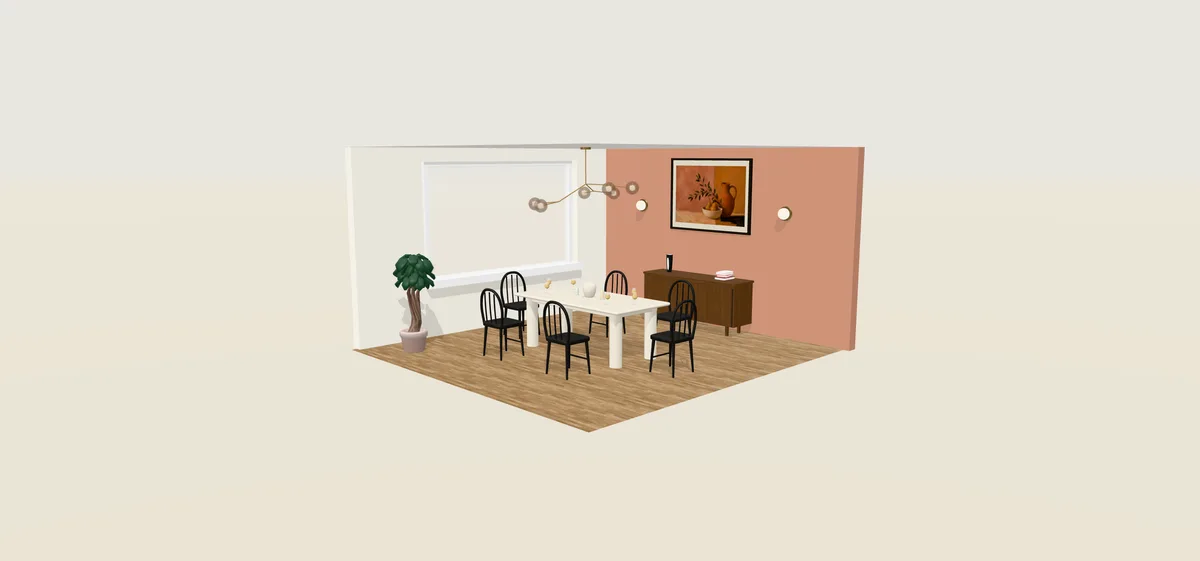
02Furnish it in 3D 888 pieces, paint and floors. Walk through at eye level.
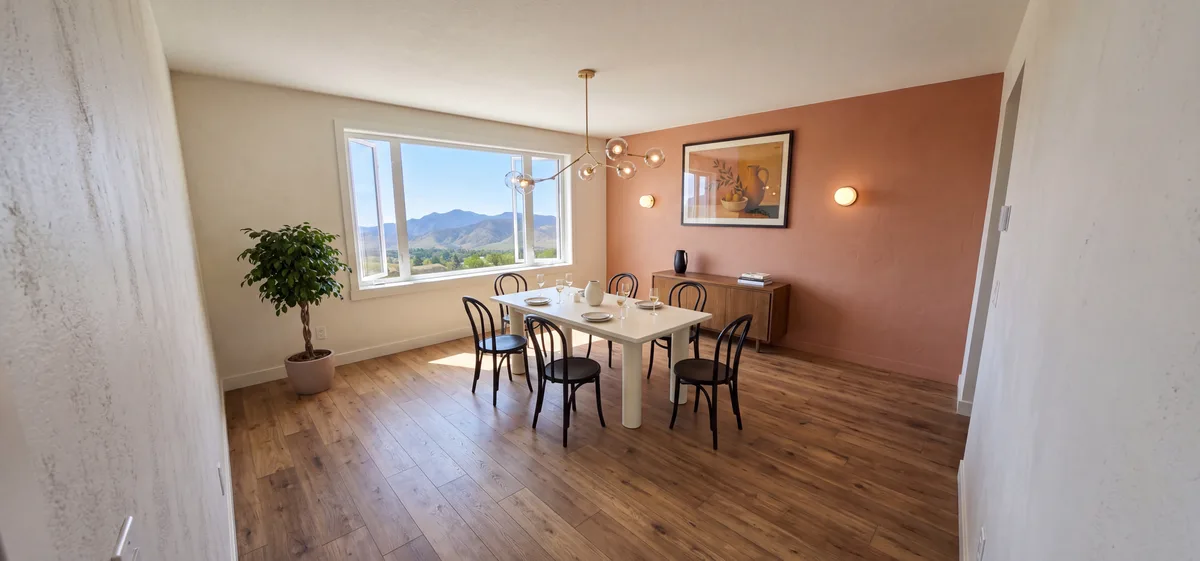
03Render it real Pick a style and a time of day, say what you want in a sentence, and get a photograph in about a minute.
Plan to photo
Furnish it in 3D. Render it real.
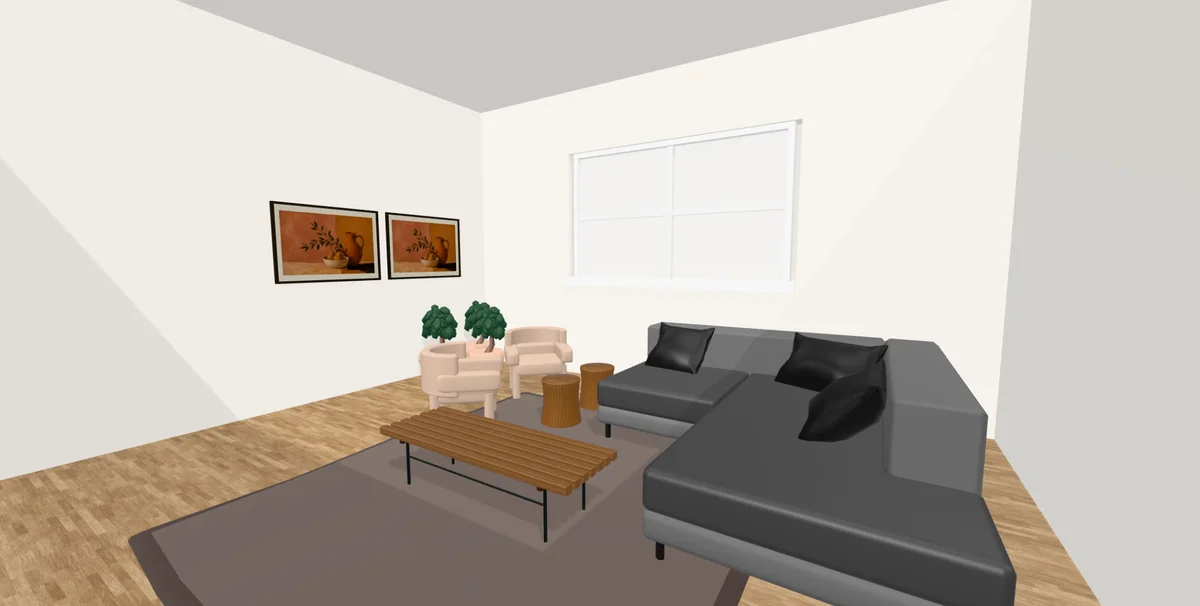
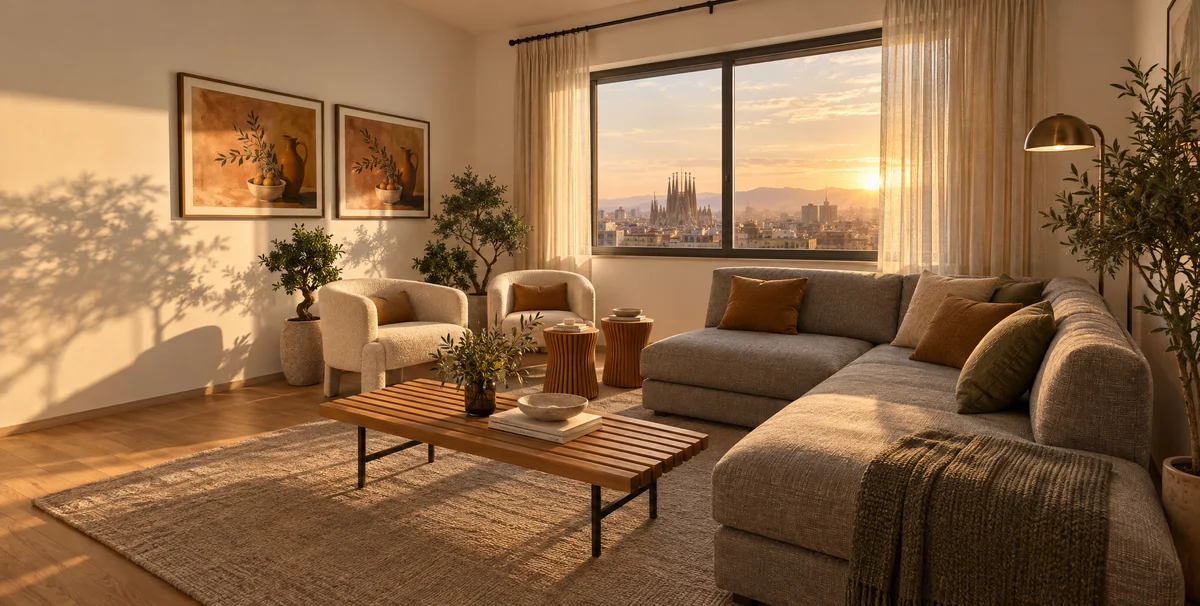
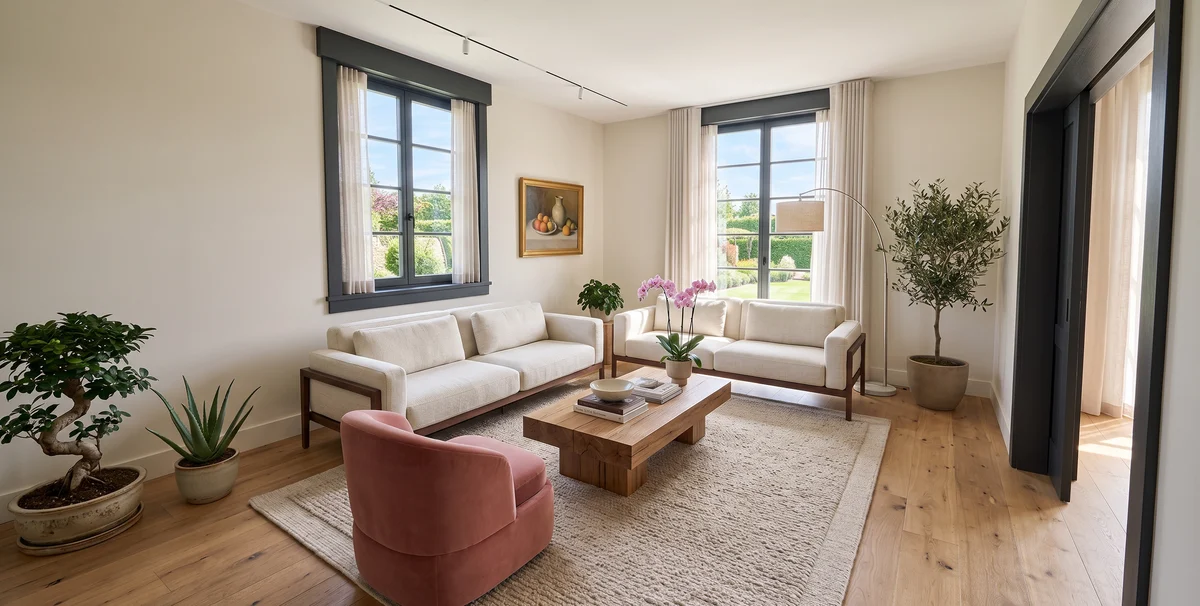
The left is a living room as it sits in the planner. The right is the render made from that view after asking for a modern living room at golden hour with a view of Barcelona: same layout, now light, texture and the city outside.
Watch a room come together
Forty seconds in the planner: draw, furnish, walk through, render.
15 furnished rooms to start from
Open the planner Poolside winter garden
 Olive cocktail salon
 Bayfront supper room
 Ochre breakfast kitchen
 Mineral courtyard bath
 Olive coast guest retreat
 Earth & timber dining atelier
 Walnut writer’s library
 Ochre fireside salon
 Collector’s study
 Terracotta supper room
 Timber island kitchen
 Blush stone spa
 Quiet coast bedroom
 Sage gallery lounge
What you get
- Furniture at true size
- 888 models across furniture, lighting, art and architectural details. Arrange them to scale in your room. Full collection on Pro.
- Paint and floors
- 59 paint colours, 31 floor finishes and 25 wall finishes in the full finish collection. Try an accent wall or a whole new palette.
- Walk through it
- Drop to eye level and move through the room the way you would in the real one.
- Imagine it finished
- Your layout guides the AI render. Reimagine furniture, materials and light with your own instructions.
- Your own furniture
- On Pro, bring in GLB models of the pieces you already own.
- A link for anyone
- Send a room to a partner or a contractor. It opens in their browser.
Ready when you are
Start with the room you have in mind.
Draw it, furnish it and walk through it in 3D for free. Render it photoreal with Pro.
Make your first room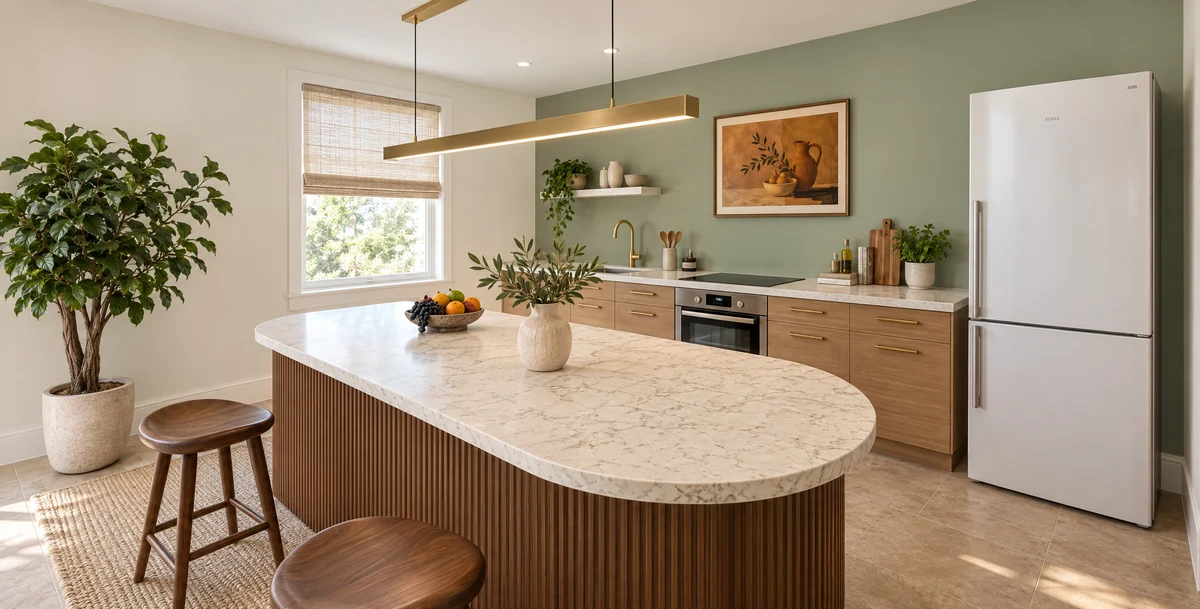
Questions
- What can I do for free?
- Plan for real: 2D floor plans, the 3D view and walk-through, furnished templates, every finish, the core furniture catalog, share links and unlimited saved rooms. Pro adds photoreal AI renders (100 renders a month at 2K) and the full catalog.
- Do I need to install anything?
- No. It runs in the browser. Use a laptop or desktop for drawing and placing furniture. Sign in to keep rooms in your account.
- Will the render match my design?
- Your 3D scene guides the layout. AI reimagines the furniture, materials and styling around your instructions, so details can differ. You can compare it with the 3D view side by side.
- What is a render?
- One picture of one view. Pro includes 100 renders a month at 2K. Unused renders do not roll over, and a failed render is credited back.
- Can I use my own furniture?
- On Pro, yes. Upload a GLB file from SketchUp, Blender or a maker's site. It is measured on the spot and becomes a catalog item only you can see.
- I already pay for ArchitectGPT. Do I pay again?
- No. ArchitectGPT Pro and Premium both include myroomplanner Pro. Sign in with the same account. MyRoomPlanner render limits apply, and ArchitectGPT credits stay separate. MyRoomPlanner subscriptions do not include ArchitectGPT.
- Who owns what I make?
- You do. Plans, screenshots and renders are yours. Finished renders may also appear in our public idea gallery unless you make them private from your dashboard on Pro.